Integrations
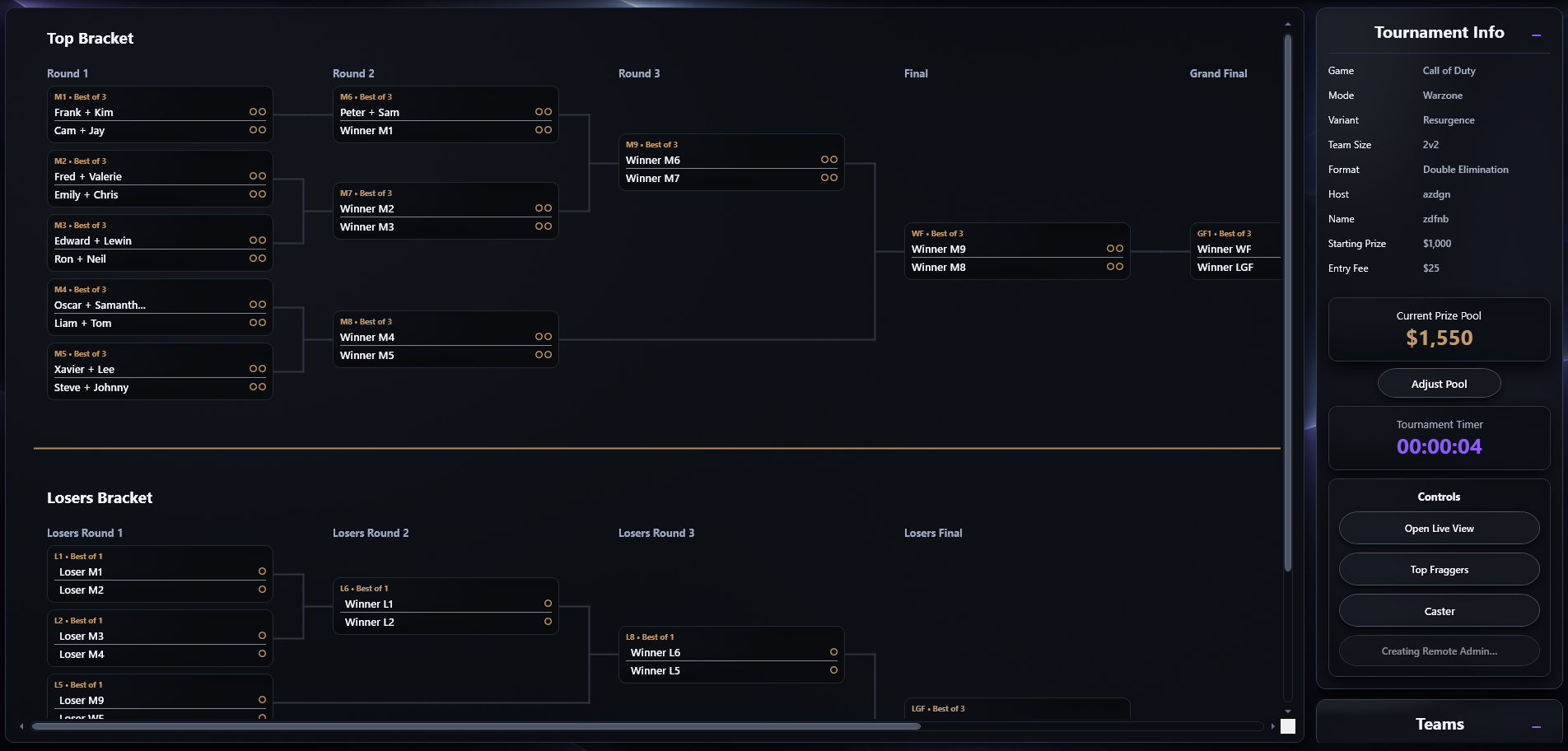
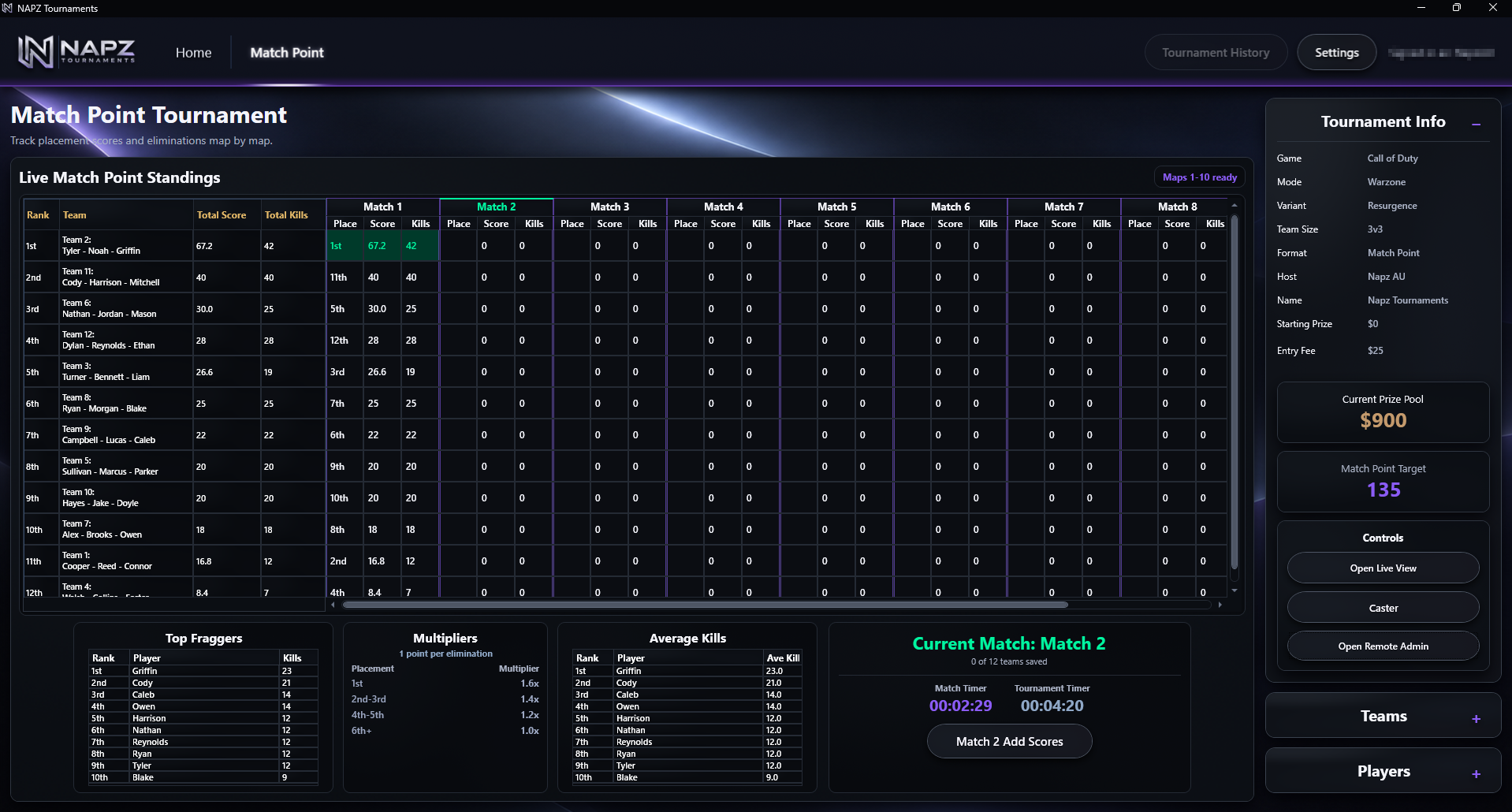
Connect NAPZ to Google Remote Admin so supported tournament changes can be managed from the Windows application and the authorised Google Sheet as one synchronized workflow, with optional Twitch support for caster features.
Remote administration from the connected Google Sheet
Use the authorised Remote Admin spreadsheet to work with supported tournament scoring and administration while the host continues in the NAPZ Windows application.
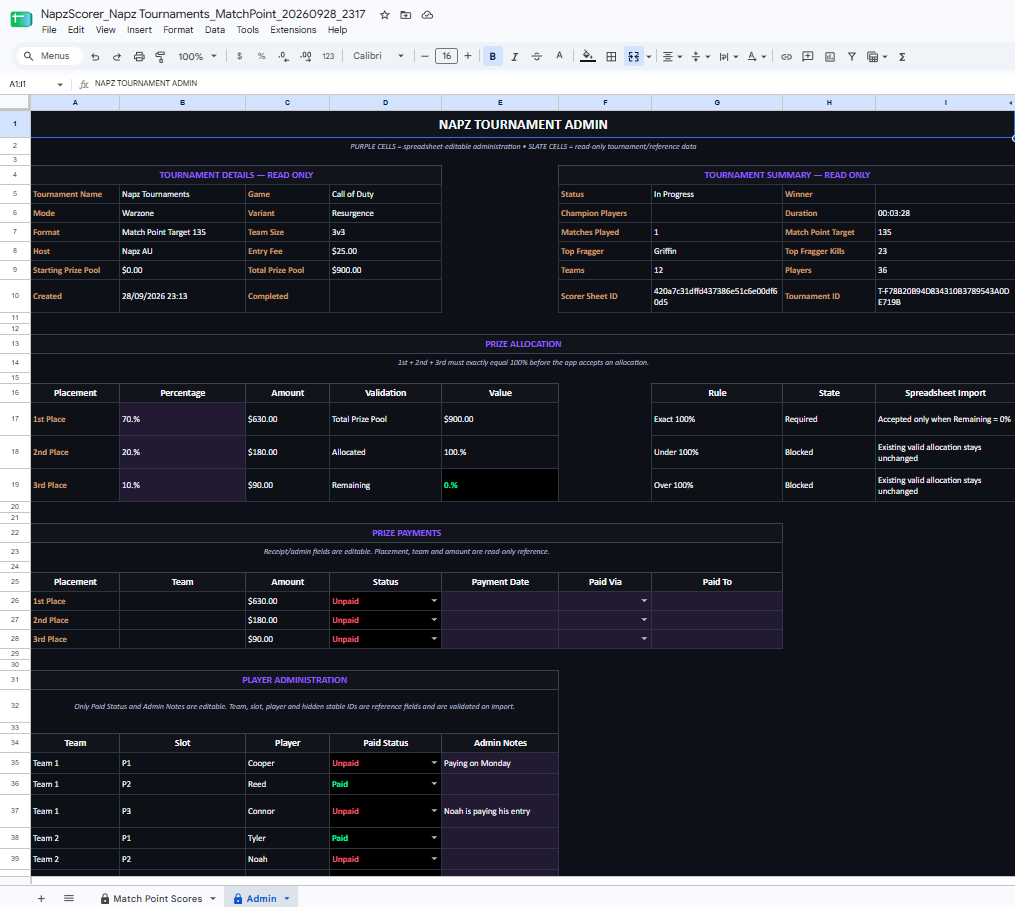
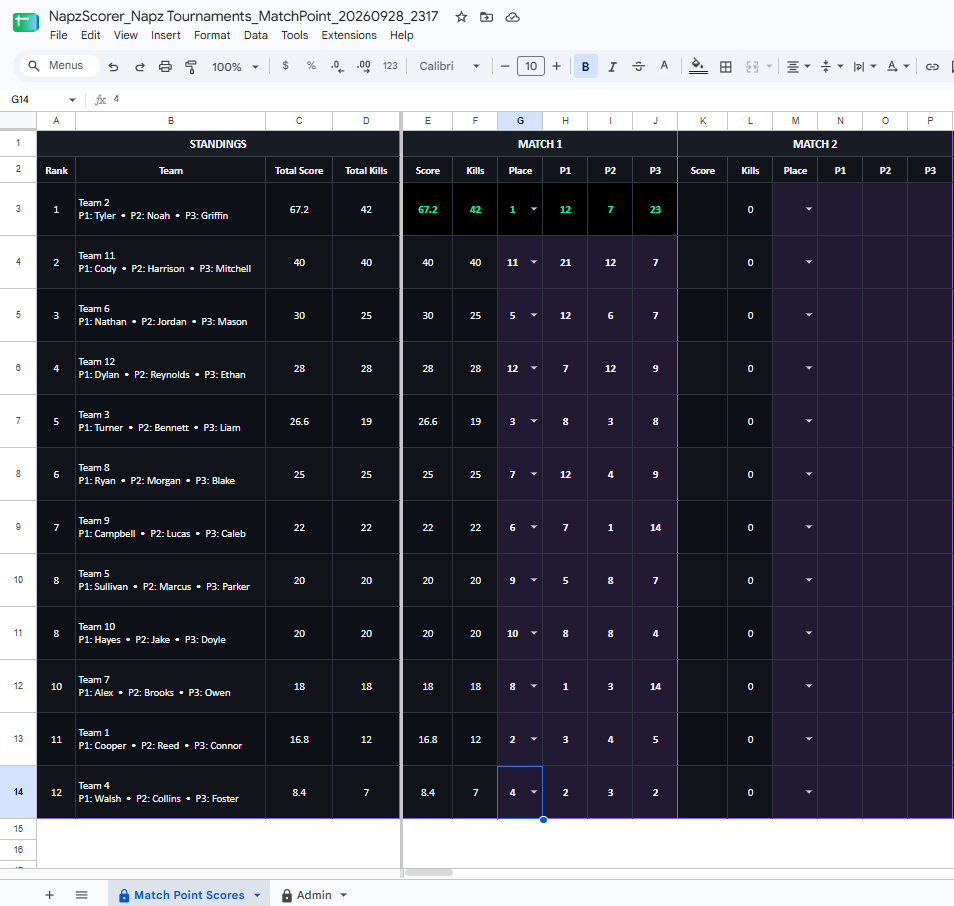
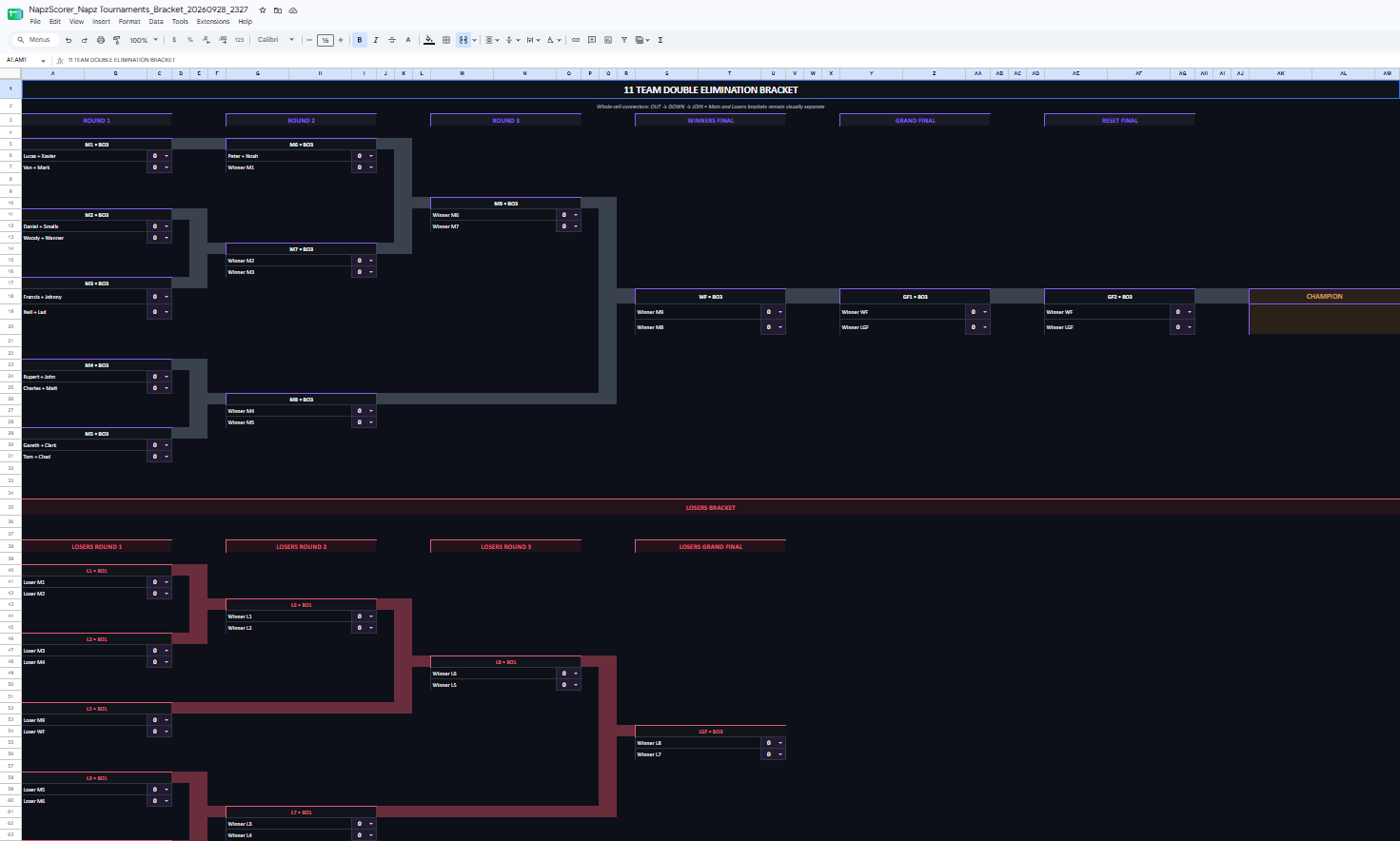
The app and spreadsheet work on the same connected tournament
Supported changes can be made from either administration surface. Synchronization keeps the connected workflow aligned so the host can keep working in NAPZ while an authorised remote admin works from the Google Sheet.
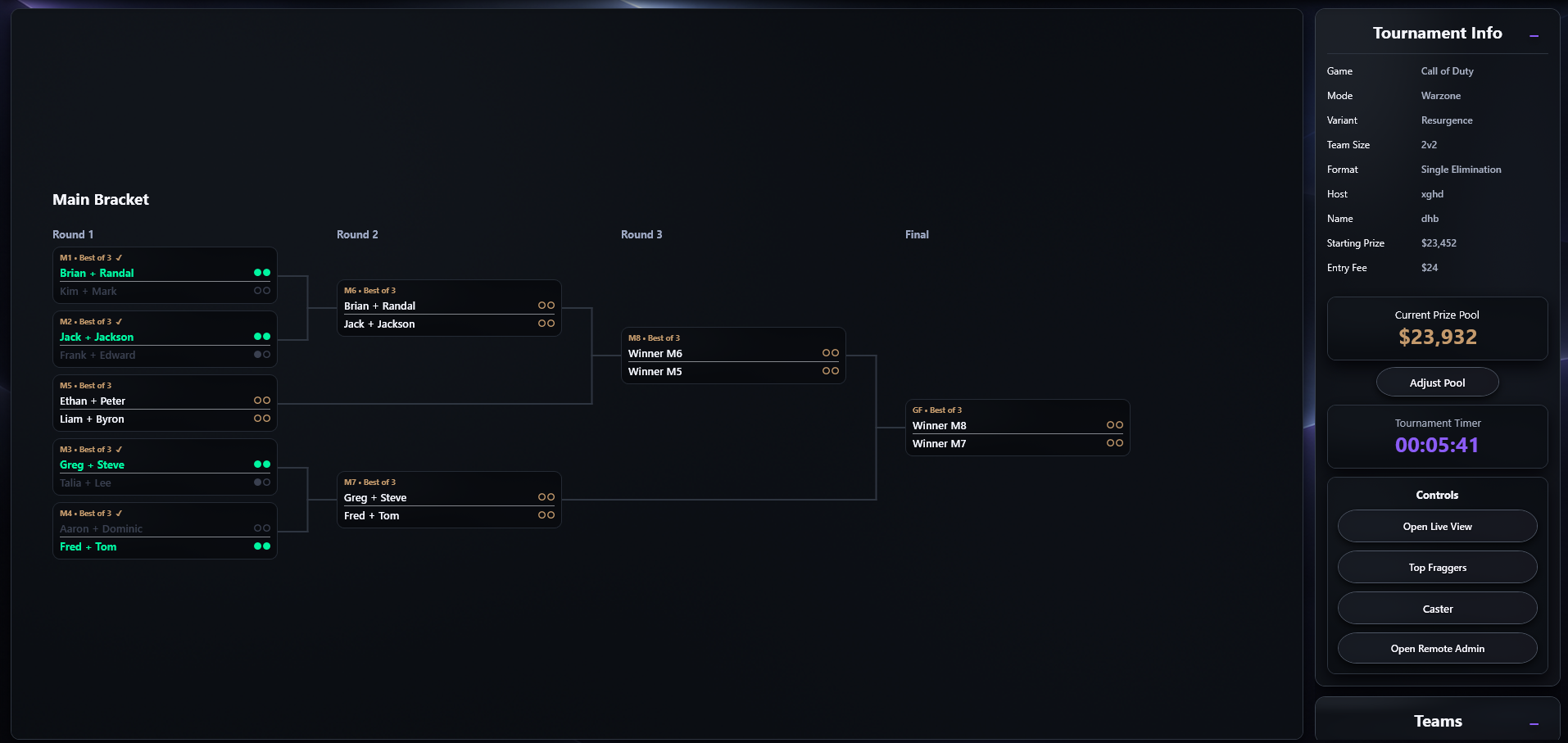
Full tournament control remains in the Windows application
The host can continue scoring and progressing the tournament directly in NAPZ. When Remote Admin is enabled, supported updates from the app and spreadsheet stay part of the same connected tournament workflow.
Watch Party / Twitch caster
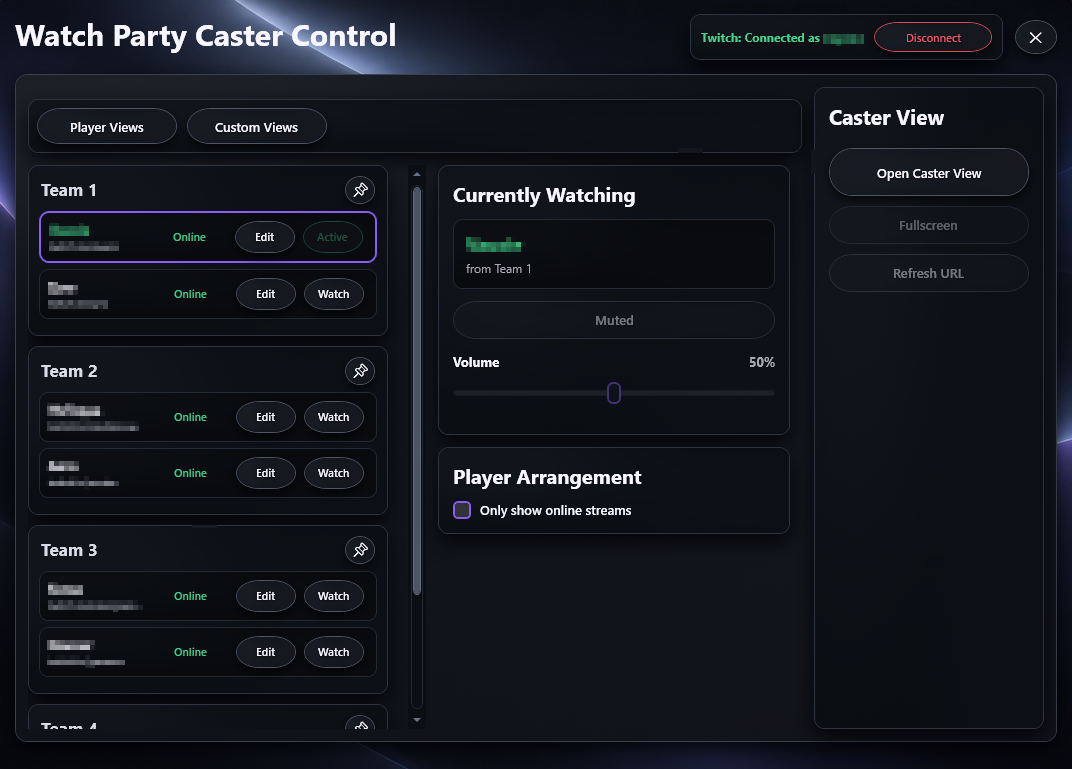
Connect Twitch to the Watch Party caster workflow so the host can see stream availability, switch between configured player channels and manage the viewing experience from inside NAPZ.
Online / offline status
Configured Twitch players show their current stream status so the host can quickly see which channels are available before switching views. The caster can also be limited to showing online streams.
Switch between player channels
Use the Watch controls to move between available player streams while keeping teams and player organisation visible in the same caster workflow.
Use Twitch account viewing benefits
NAPZ uses the connected Twitch account for supported viewing. If that account has an eligible ad-free channel subscription or Twitch Turbo, those Twitch viewing benefits can also apply inside the caster experience where Twitch makes them available.
Twitch controls advertising and account entitlements. Subscription and Turbo benefits depend on the connected Twitch account, the channel and Twitch's current service rules.