Features
Explore the tournament formats, administration tools and workflow features available in NAPZ Tournaments.
Tournament management
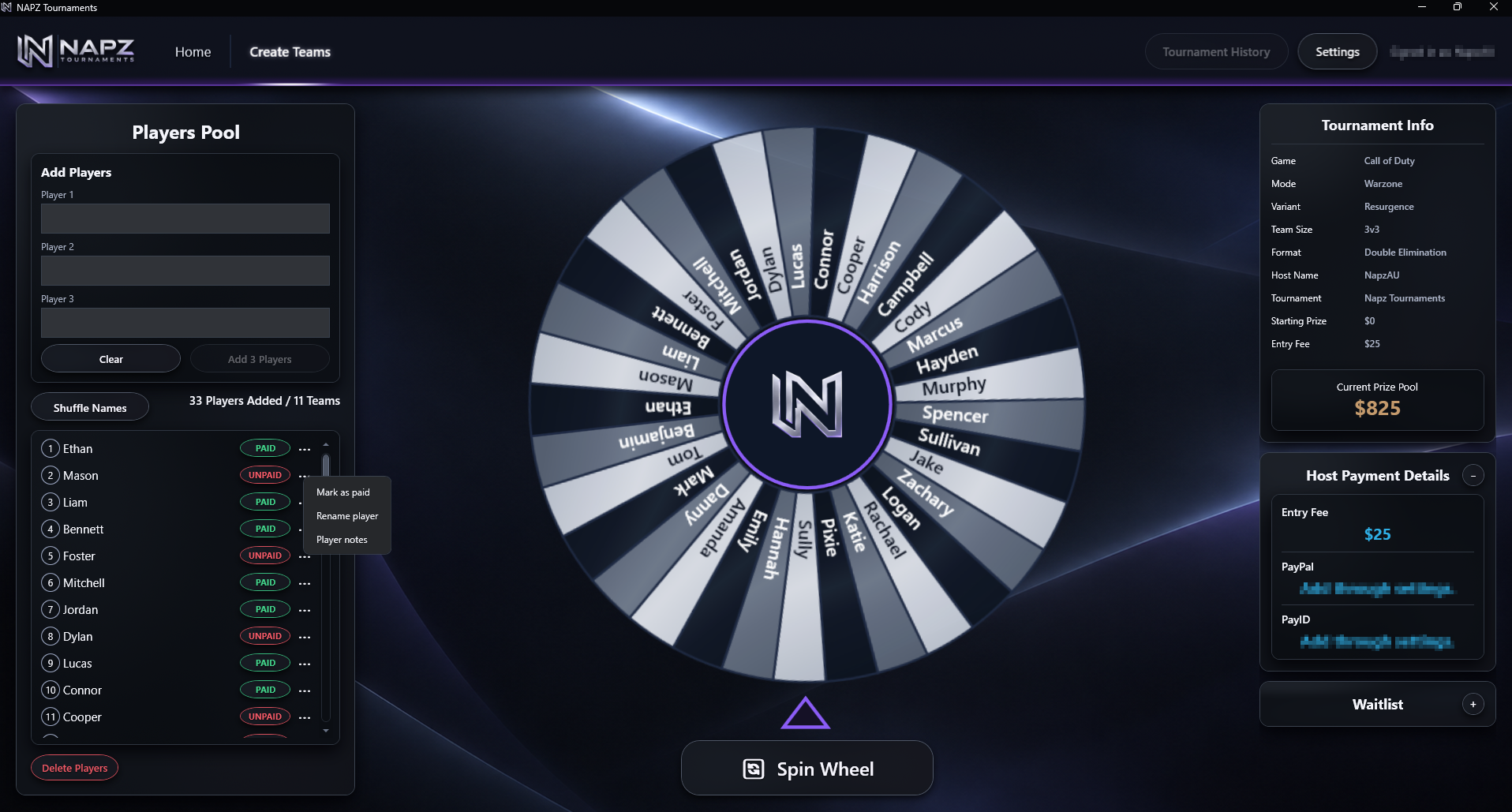
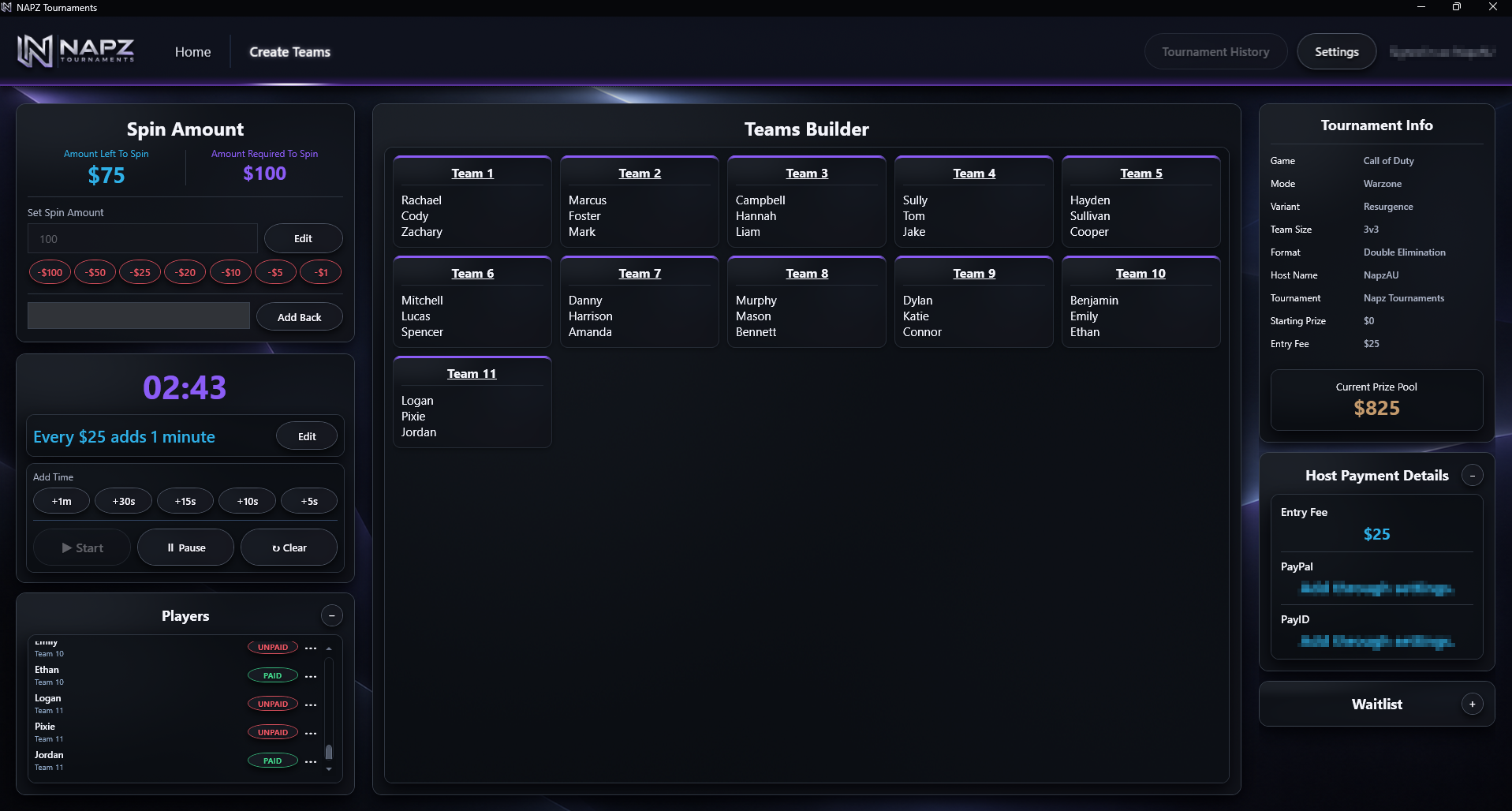
Set up tournaments, manage teams and players, score matches, track placements and keep active tournament state together.
Remote Admin
Manage supported tournament data from the NAPZ app or connected Google Remote Admin sheet, with synchronization keeping both views aligned.
Live View
Publish supported tournament information to a read-only browser view for viewers and participants.
Caster tools
Dedicated tournament presentation and watch-party workflows separate from the host controls.
Match Point
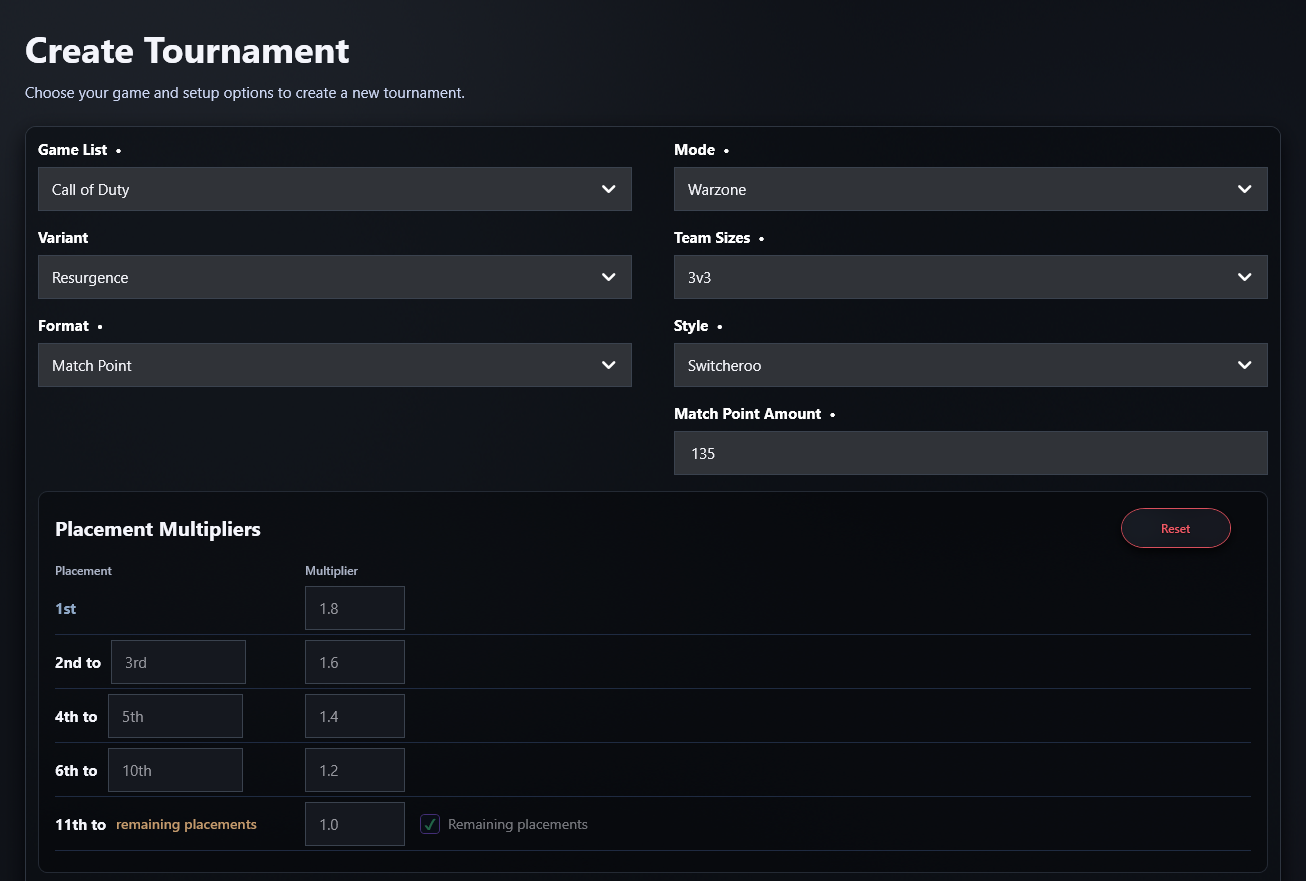
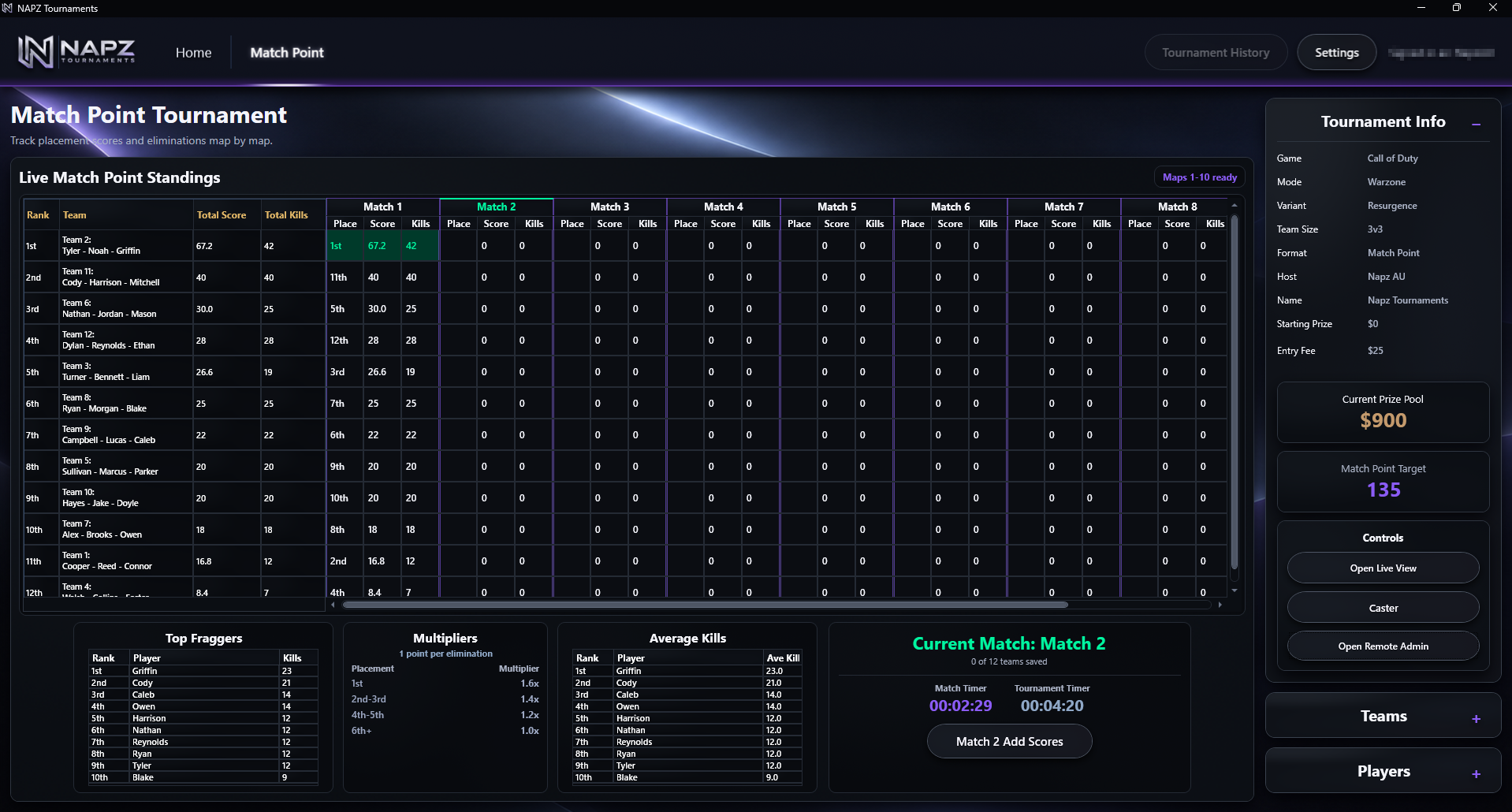
Run Match Point tournaments with live standings, placements, kills, scoring multipliers, Match Point qualification and tournament progression.
Single & Double Elimination
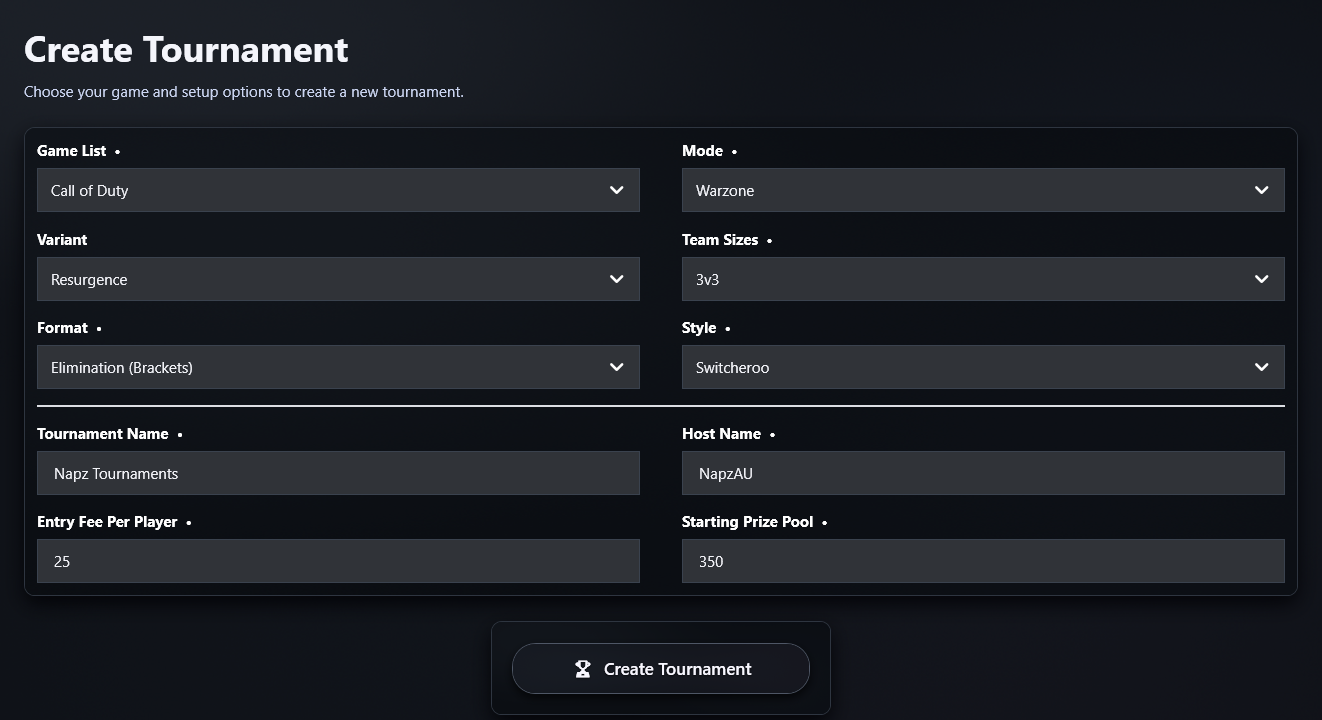
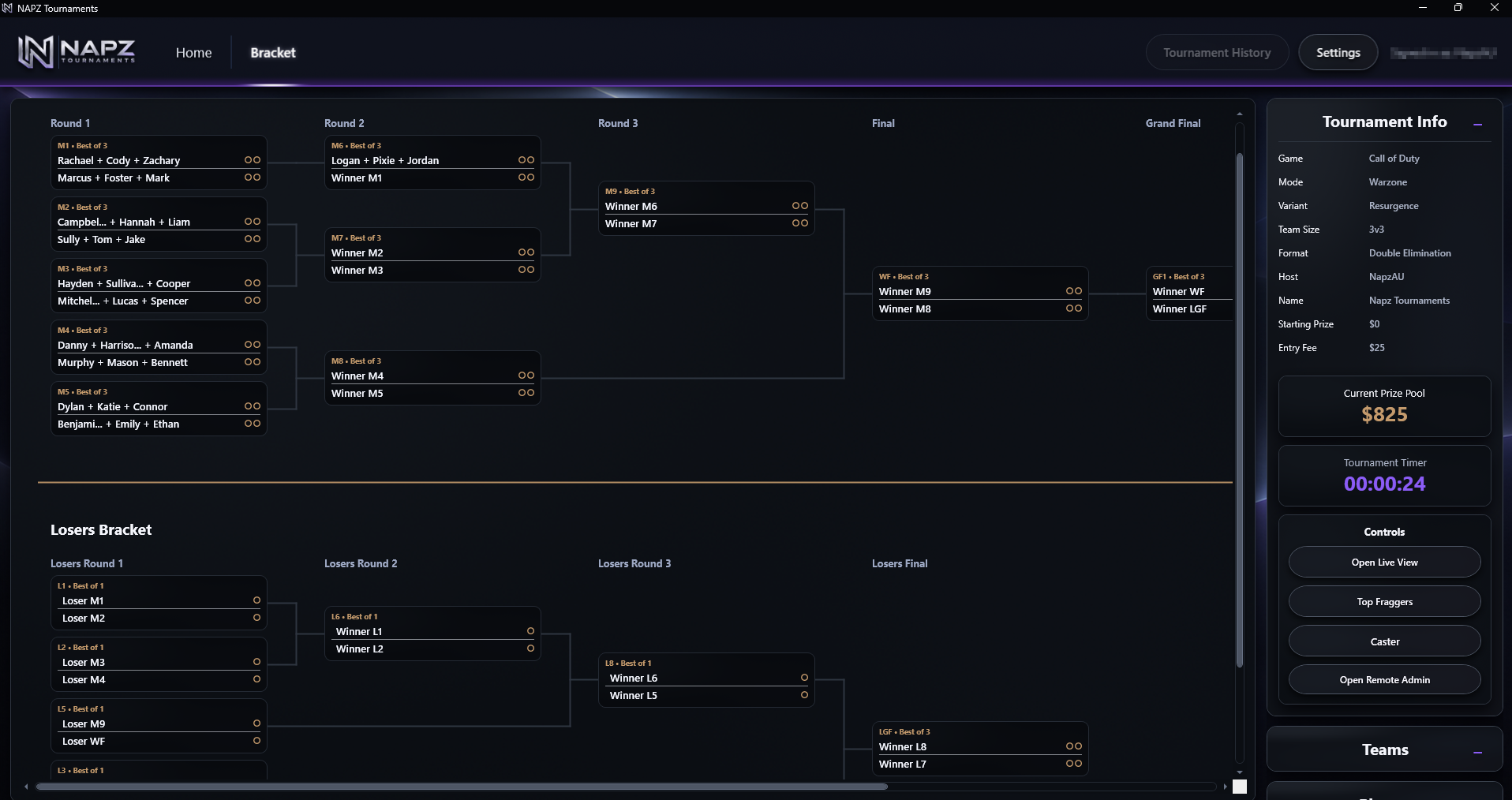
Operate supported bracket tournaments through round progression, finals and Double Elimination Grand Final / Grand Final Reset workflows.
Persistence & recovery
NAPZ saves tournament state throughout operation so an active tournament can be resumed rather than rebuilt after closing or interruption.
Tournament summary & history
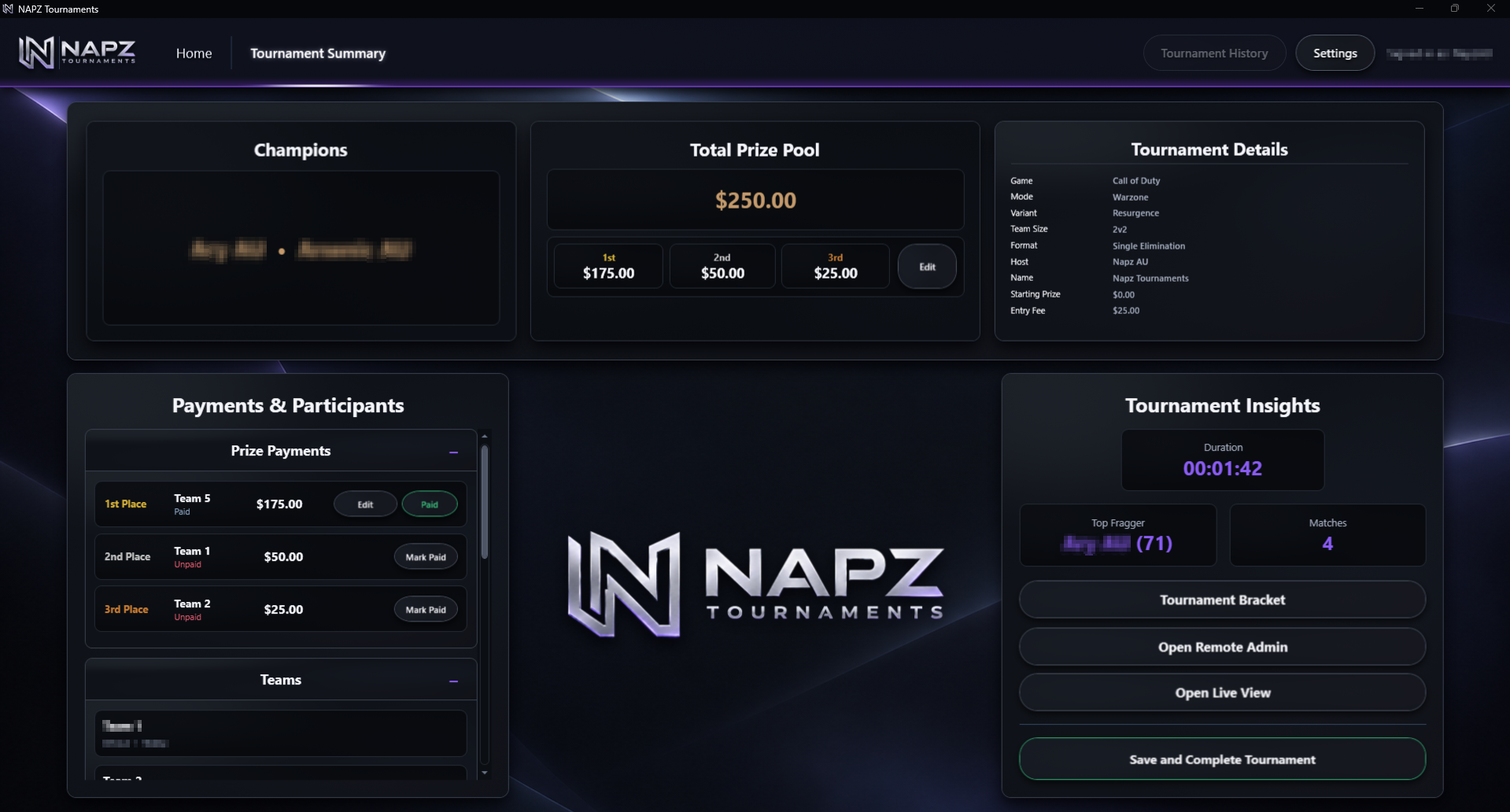
Keep account-scoped tournament history and completed-event information, including tournament results and administration context.
Participants & administration
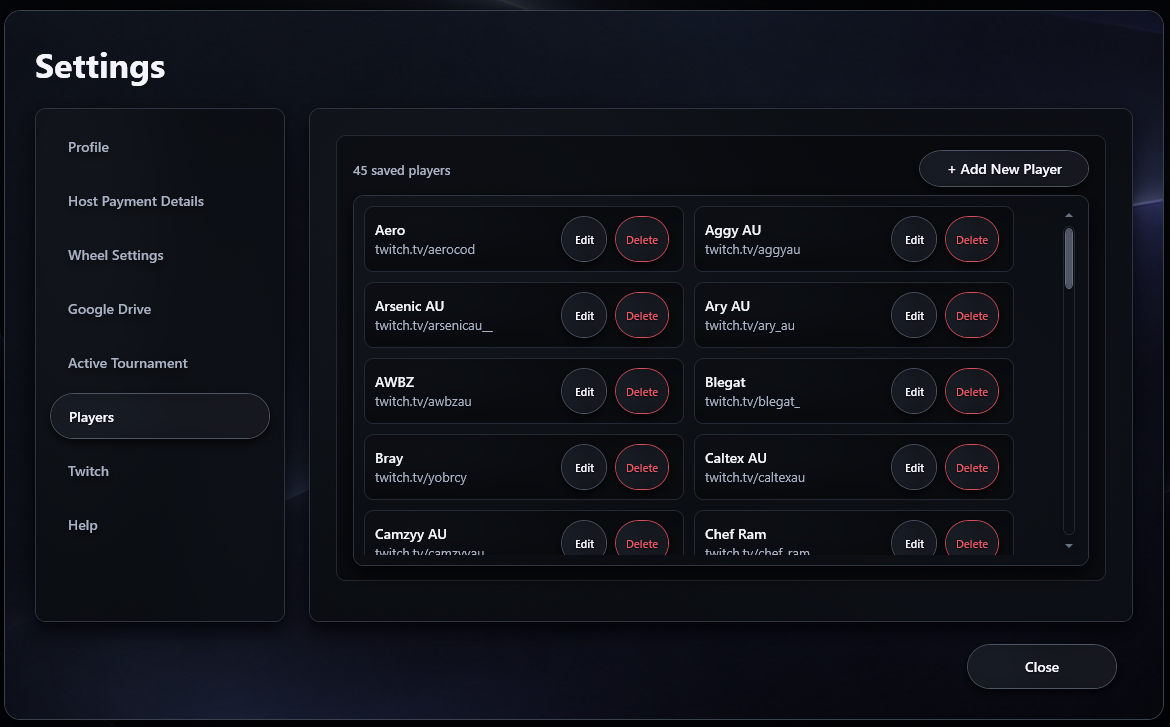
Manage participant information, payment status and notes alongside the tournament.